A shipping label carries instructions between people and systems that may never see the order screen that produced it. Its job is to remain readable, correctly associated with the parcel and suitable for the carrier's format. A label that looks attractive at the desk is not necessarily a label that will work at the next handover.
Quality begins before printing and continues after the label is attached. This guide separates those stages so a problem can be traced to the file, the printer, the material or the application process. It is a practical checklist, not a barcode certification or a replacement for the issuing system's specifications.
Begin with the correct file
A label should come from the current shipment record for the intended parcel. Keep the order reference visible while creating or retrieving it. A folder full of similarly named downloads can make a correct-looking label easy to attach to the wrong order.
Avoid reusing an old file as a convenient starting point. Correcting a name in a document does not necessarily update the encoded information or the shipment record held by the carrier. Use the supported process in the shipping system for changes, cancellations and replacements.
If labels are generated in batches, define how they remain matched to orders. The method might use a controlled sequence or a deliberate scan-and-match process. Do not assume a stack stays in order after someone removes a single label to correct an exception.
Preserve the intended dimensions
Print at the format specified by the label source. Automatic “fit to page” settings can change dimensions or margins without making the difference obvious. Confirm the paper or label size in both the printer driver and the application used to print.
A barcode is a structured symbol, not decorative artwork. Stretching it in one direction, cropping it or reducing it to fit an available corner can affect readability. A file that appears crisp on a screen does not demonstrate that the physical print retains the intended dimensions.
The label-printer checklist starts with format and software compatibility for this reason. Buying a printer first and adapting every label to it can create repeated work and uncertainty that a requirements check would have exposed.
Buy for the job in hand
As an Amazon Associate I earn from qualifying purchases. These links open Amazon US; check delivery and compatibility for your location.
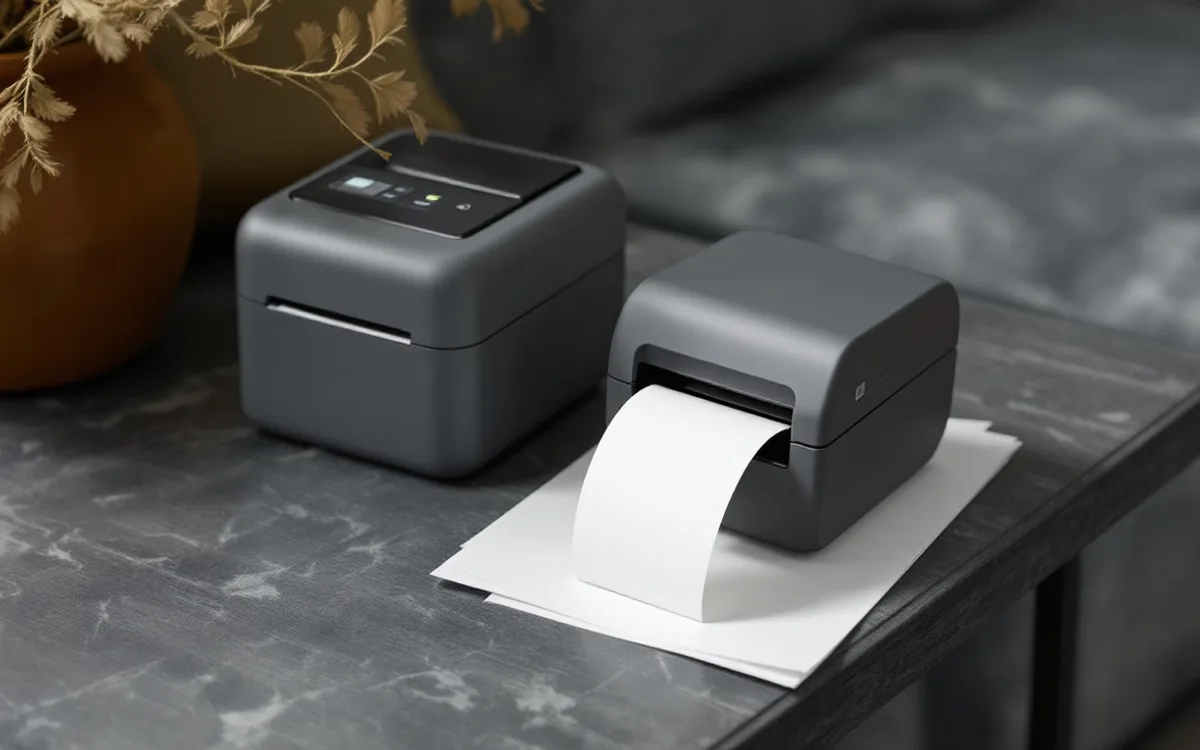
Rollo X1038 USB label printer
For a fixed Windows or Mac packing station using direct thermal labels. This is the USB model: check your driver, label size and software workflow before buying.
Check price on Amazon ↗Leave the clear space clear
Barcodes need an appropriate clear area around the symbol. GS1's quiet-zone explanation describes why surrounding space helps a reader distinguish the symbol. The required space depends on the barcode type and its specifications.
Do not place an internal note, decorative border or another label into that area. Avoid assuming that a code which scans once with a phone has passed every relevant quality requirement. A functional check and a formal verification are different activities.
Shipping labels may use formats governed by a carrier or another issuing system. Follow that system's instructions rather than transferring dimensions from an unrelated retail barcode example. The general lesson is to preserve the supplied symbol and its surroundings, not to invent your own margin rule.
Inspect the physical print
Look for missing lines, faded areas, clipped edges and unwanted marks. Check the ordinary text as well as the code. A readable address can help a person understand a parcel, while the encoded information supports the systems used along its journey. Neither should be treated as an excuse to neglect the other.
A recurring line through every label suggests a different investigation from an occasional crease after application. Keep a sample without customer data if you need to compare the defect over time. Record which printer, media and settings produced it.
Follow the exact model's maintenance instructions before cleaning or adjusting the equipment. Do not use a generic solvent recommendation from an unrelated machine. Heat, moving parts and electrical connections require the precautions in the manufacturer's own manual.
Choose material for the intended conditions
The label stock and adhesive need to suit the printing method and application surface. A label that feeds correctly through a printer may still be a poor choice for a dusty, curved or damp surface. Check the supplier's specifications for the actual material.
Direct thermal labels also deserve attention to storage and use conditions. Do not assume a shipping label is suitable as a permanent archival record. If a record must be retained, keep it in the appropriate business system rather than relying on the continued readability of an exposed paper label.
Store unused stock as the supplier instructs. A damaged or contaminated roll can introduce problems before the printer begins. Keep the reference of a working supply so a replacement can be compared accurately instead of being chosen by approximate width alone.
Apply to a suitable face
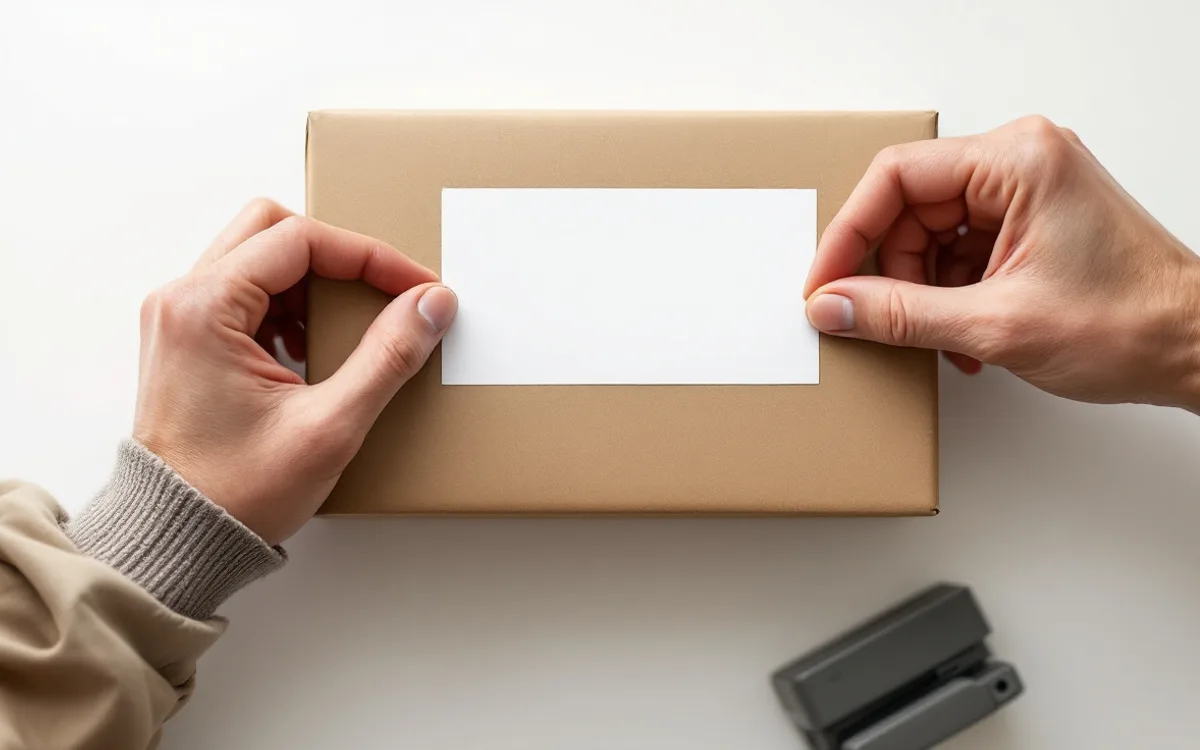
Choose a clear, suitable area of the finished parcel in accordance with the carrier's guidance. Avoid a location where the label folds around an edge or crosses a moving flap. Smooth the label without creating wrinkles or trapping material underneath it.
Check the parcel after it is fully closed. A surface that looked flat before packing may bow or change shape. If the label must be moved, use the issuing system's supported process and avoid leaving a competing label behind.
USPS's domestic package preparation page provides its current sending instructions. Other carriers and services may specify different details. Keep the relevant primary guide available at the bench rather than relying on a universal diagram taken from another service.
Remove the previous journey
A reused carton can carry old addresses, routing labels and handling marks on more than one face. Inspect it before applying the new label. Fully remove or obscure obsolete information as the carrier requires, including labels partly hidden beneath tape.
Do not cover a restricted-service marking and assume the packaging can now be used for anything. Some supplied packaging has conditions of use that remain relevant. The carton-reuse guide treats previous markings as one part of a wider suitability decision.
Keep rejected labels and backing paper away from the active order. A loose label left beside a packed parcel can be picked up again by mistake. A clear disposal point is a small layout choice that helps preserve the association between one parcel and one current label.
Make the final match explicit
Before a parcel enters the outgoing area, compare the label with the order reference and intended service. The check should happen at a defined point, after changes that could invalidate an earlier comparison. It is less useful if it occurs before a last-minute box or service substitution.
For a one-person operation, a deliberate pause can help separate creation from checking. For a shared operation, the handover should show whether the check has been completed. The exact method depends on the workflow; the essential feature is that an unfinished check does not look complete.
Our packing-station guide uses separate areas for active work and ready parcels. That physical distinction can support the label check. It cannot replace the check itself, but it makes the status easier to see.
Investigate failures by stage
When a problem occurs, first ask whether the wrong information was generated, the correct information printed badly or a good label was attached incorrectly. These causes need different responses. Buying a new printer will not fix labels selected from the wrong order.
Record the evidence before making a broad conclusion. A carrier exception might involve damage, a data issue or a reading problem; it does not automatically identify which one. Keep “cause not established” available as a valid entry in the log.
Look for repeated patterns across comparable cases. If every issue involves one stock roll, check that supply and its storage. If the print is consistently good but labels wrinkle on one carton shape, investigate placement and surface. A specific pattern supports a useful action.
A short bench check
A practical reminder can ask five questions: is this the current label for this order, is it printed at the intended size, is the image complete, is the application surface suitable, and is old routing information gone? Add any service-specific checks required by the carrier.
Keep the reminder brief and link it to the detailed instructions. A card that tries to contain every possible exception will be ignored. Exceptional goods, services or packaging should have a clear route to the relevant separate procedure.
A label succeeds when the next person or system can use it without guessing. Preserve the file's meaning, the print's structure and the parcel's identity through each step. That is a more reliable aim than making the label look impressive at the desk.
Equipment to match your next parcel
As an Amazon Associate I earn from qualifying purchases. These links open Amazon US; check delivery and compatibility for your location.
Rollo X1038 USB label printer
For a fixed Windows or Mac packing station using direct thermal labels. This is the USB model: check your driver, label size and software workflow before buying.
- USB connection; no Wi-Fi or phone-only setup
- Direct thermal labels from 1.57 to 4.1 inches wide