As an Amazon Associate I earn from qualifying purchases.
Rollo X1038 USB label printer
Check price on Amazon US ↗For a fixed Windows or Mac packing station using direct thermal labels. This is the USB model: check your driver, label size and software workflow before buying.
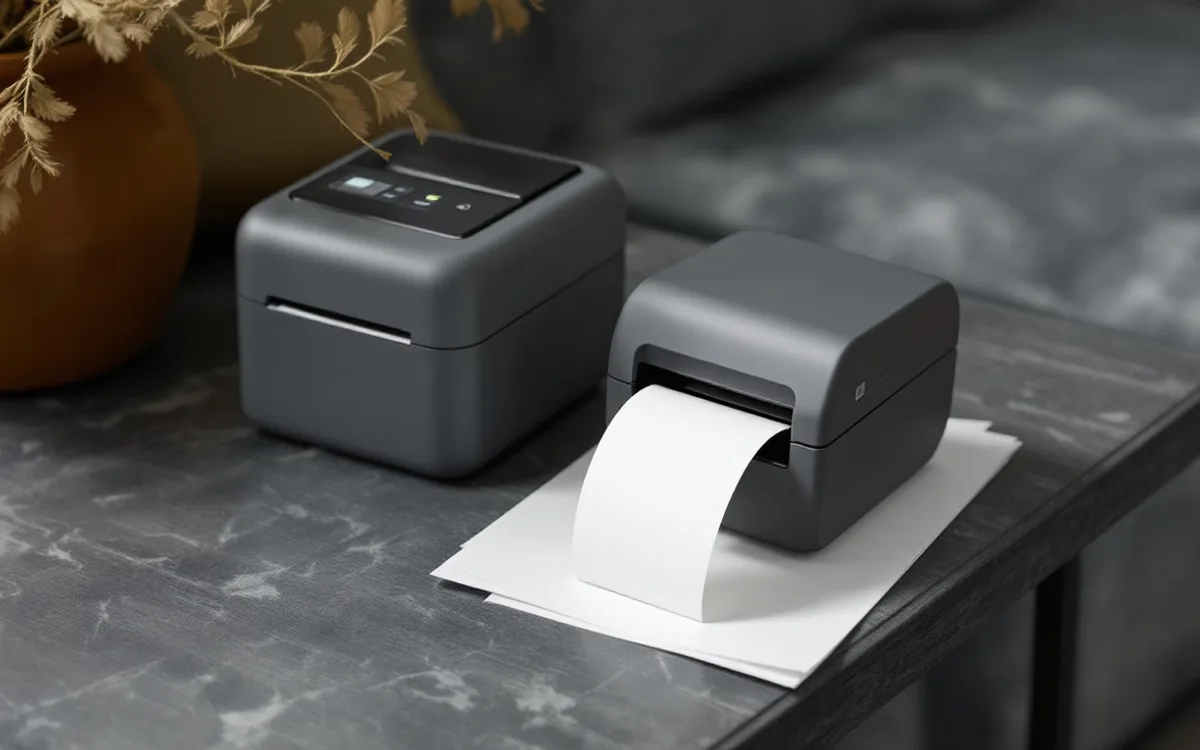
The best first question about a label printer is not how many labels it prints in a minute. It is whether the next label can travel from your shipping software to the correct parcel without a workaround. A fast machine does little for a desk where every file needs resizing or every second order must be printed from another computer.
This guide offers a requirements checklist, not a ranking based on hands-on tests. Begin with your current process and compare exact models against it. Driver support, label dimensions, consumables and the way you recover from a mistake often matter more than the headline print speed.
Describe one real label journey
Write down where a label begins. It might be created in a carrier account, downloaded as a PDF or generated by an order-management system. Record the file format and the intended label size. Then record the computer, operating system and connection available at the packing bench.
Follow the label all the way to the parcel. If you currently print several labels together, note how each is matched to its order. If you print one at a time, note whether the printer is within reach without putting an unfinished parcel down. The printer belongs inside this process rather than replacing the need to understand it.
Use a blank or deliberately fictional order when documenting the workflow. There is no reason to include a customer's address in a buying spreadsheet or a supplier inquiry. Describe the format and connection without exposing the information carried by an actual shipping label.
Confirm the exact software support
A brand's general statement that it supports a platform is not a promise about every model or operating-system version. Find the current support page for the exact printer. Look for installation instructions, supported versions and any restrictions on network or mobile printing. Save that page address with the model number.
Ask what happens when the computer is replaced. A printer that works only with an older application may become awkward even while the hardware remains functional. Check whether a normal staff member can install the supported driver using the access permissions available in your business.
A direct connection can be perfectly suitable for a one-person station. Network printing can help a shared bench, but introduces another configuration to maintain. Choose the arrangement that matches the actual users and location. More connection options are not inherently more reliable.
Buy for the job in hand
As an Amazon Associate I earn from qualifying purchases. These links open Amazon US; check delivery and compatibility for your location.
Rollo X1038 USB label printer
For a fixed Windows or Mac packing station using direct thermal labels. This is the USB model: check your driver, label size and software workflow before buying.
Check price on Amazon ↗Match the label, not just the paper width
The printable area, label gap, backing and feed mechanism all matter. A roll that physically fits inside a printer may not be a supported consumable. Compare the manufacturer's specified dimensions and media type with the label format supplied by your shipping system.
Avoid designing a routine around shrinking an existing shipping label to make it fit. Barcode dimensions and clear space can be affected by resizing. The label-quality guide explains why appearance on a screen is an incomplete check. A neat-looking print can still be unsuitable for the system expected to read it.
Check whether you need a roll holder or space behind the printer for folded stock. Include that space in the bench measurement. An advertised machine footprint can be much smaller than the area needed for feeding media, opening the lid and clearing a jam.
Understand the printing method
Direct thermal printing uses heat-sensitive media; thermal transfer uses a ribbon with compatible media. The appropriate method depends on the printer and the label's intended conditions. Do not assume that a label meant for a short shipping journey is suitable for long-term storage or exposure to heat and light.
Read the consumable supplier's and printer manufacturer's own guidance for the combination you intend to use. Generic claims about all “thermal labels” are too broad. A shipping-label purchase should begin with the required format and use, then narrow to supported materials.
There is also a distinction between a label that prints successfully once and a repeatable supply choice. Keep the product reference of a working consumable in your records. If a replacement is proposed, compare the specifications before ordering a large quantity because the packaging looks similar.
Price the consumables separately
A printer purchase is one expense. Labels, ribbons where relevant, cleaning supplies and replacement components are another. Compare an ordinary month using your own label count rather than a dramatic high-volume example from a sales page.
Include wasted labels in the observation. Some waste is caused by a media change or a calibration routine; some comes from a label matched to the wrong order. The latter is a workflow problem and may not improve with a different printer. Keep these causes separate so a hardware purchase is not credited with savings it cannot produce.
Our materials budget tool gives a simple place to enter a per-parcel label cost. It deliberately leaves the figures under your control. It does not provide current retail prices or assume that every order uses exactly one label.
Check a sample at its intended size
If the seller or manufacturer offers a suitable demonstration, use a representative label layout with no real customer information. Inspect text, edges and the clear area around the barcode. Look for clipping, unwanted scaling and gaps or lines in the printed image.
A phone camera that reads a code is useful for a narrow functional check, but it is not a replacement for a barcode verifier or the carrier's specifications. GS1's placement and printing guidance discusses the importance of symbol size and clear space. Shipping formats must still follow the system that issued them.
Test the actual application path. Printing a manufacturer's demonstration page proves that the printer can produce that demonstration. It does not prove that your browser, PDF viewer and label file are configured correctly together.
Plan the everyday recovery tasks
A useful printer is one whose ordinary interruptions are manageable. Read how to load a new roll, clear a misfeed and clean the print path. Check whether those tasks require tools, specialised supplies or access behind the machine. Leave enough room to open it safely.
Keep the manufacturer's instructions close enough to find. A short bench note can point to the correct manual and the approved consumable reference. It should not invent a universal cleaning solvent or a dismantling procedure. Follow the exact model's maintenance guidance, particularly around hot parts and electrical connections.
Consider the impact of an unavailable printer. A small shipper may have a supported alternative printing route; another operation may need spare hardware. The proportionate backup depends on the time needed to restore service and the consequences of missing a collection, not on a generic rule that everyone must buy two.
Compare candidates in a requirements table
Use columns for exact model, operating-system support, connection, label format, media supply, working footprint and support source. Add a row for each requirement you cannot compromise on. A candidate that fails one of those requirements should not remain the favourite merely because its headline speed is attractive.
Keep uncertain entries visible. “Not confirmed” is more informative than copying a feature from a similar model. Contact the manufacturer or seller with the precise question if needed. Record the answer and date because support and available bundles can change.
Add a short reason for the preferred candidate. For example, a separate feed tray might suit the bench, or a supported network connection might remove a repeated cable change. These are explanations tied to the work. “Best overall” usually conceals the priorities that produced the decision.
Put the printer in a safer label process
Keep one active order at the labelling position unless your system provides a reliable batch-matching method. Clear a cancelled label from the work area immediately and follow your shipping system's process for voiding or correcting it. A discarded print and an active shipment record are different things.
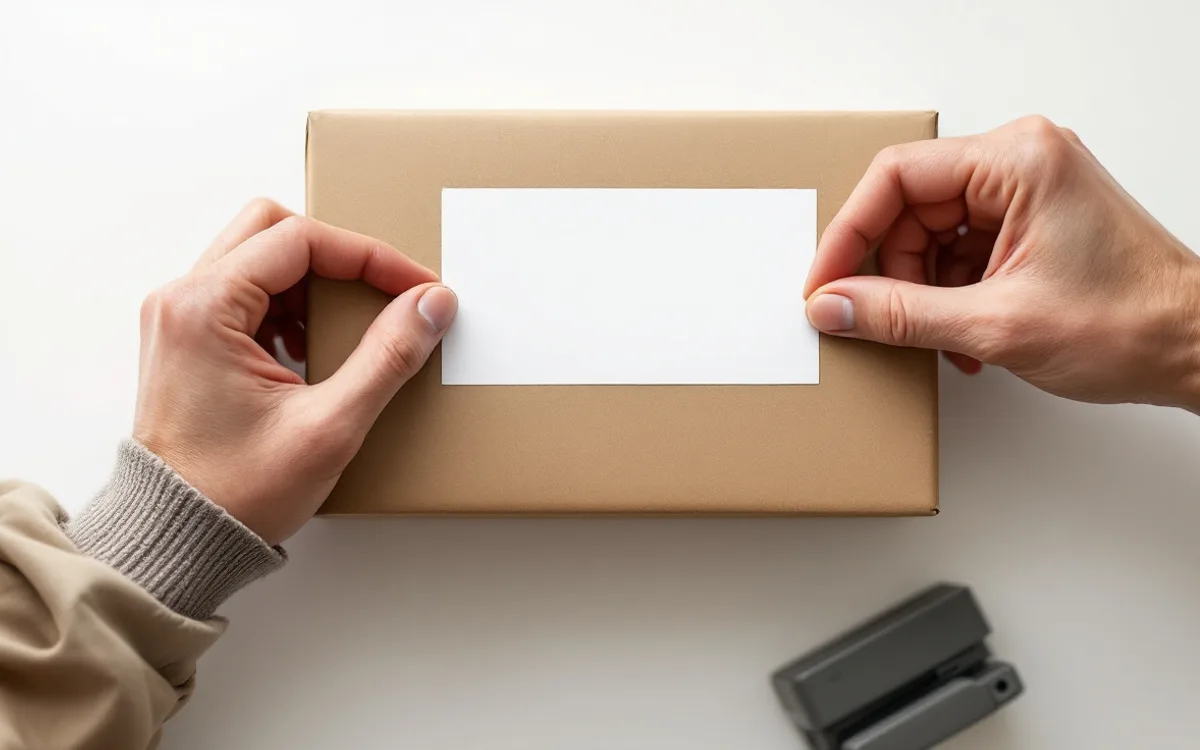
Inspect the final label after it is applied. A correct print can be damaged by a crease, a box seam or an awkward surface. Keep the route from printer to parcel short and unobstructed, with a place for backing paper that does not become another pile beside finished shipments.
The packing-station guide shows how to separate checking, packing and outgoing status. That separation is useful even with modest equipment. The printer should make a clear process easier, not compensate for a process nobody can describe.
Before placing the order
Check the exact item supplied, including power equipment, connection cables and any starter labels. Confirm the return conditions and who provides support in your location. Do not assume a photograph shows everything included or that another country's product page describes the same bundle.
Then revisit the original workflow. If the candidate fits the software, media, bench and recovery needs, its speed becomes a useful comparison rather than the whole decision. Keep the requirements note after purchase. It will help when a consumable changes, a computer is replaced or the shipping workload grows.
Equipment to match your next parcel
As an Amazon Associate I earn from qualifying purchases. These links open Amazon US; check delivery and compatibility for your location.
Rollo X1038 USB label printer
For a fixed Windows or Mac packing station using direct thermal labels. This is the USB model: check your driver, label size and software workflow before buying.
- USB connection; no Wi-Fi or phone-only setup
- Direct thermal labels from 1.57 to 4.1 inches wide